Setup a class
Overview
This guide walks through the basic steps to setup your first class.
Steps

- On the Teacher Dashboard, select Classes.
- In the Add Class box, enter a class name.
- Enter the class size (number of students). You can add/remove students at any time.
- click Add to save. You will then be automatically moved on to set student aliases.
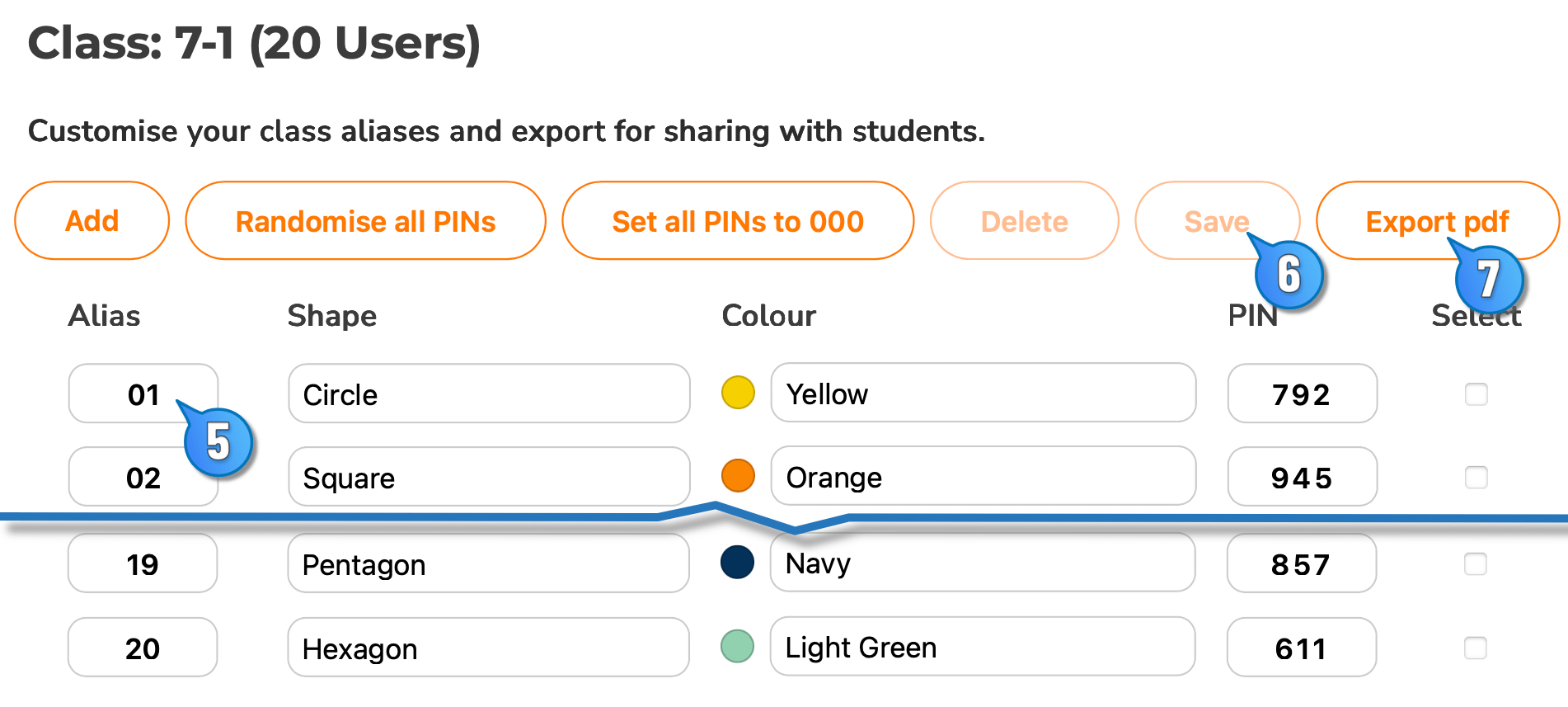
- Now click into each Alias box and customise to represent your class.
- Once you have set your aliases, be sure to Save.
- You can then Export pdf to print login details for your students.